Knowledge
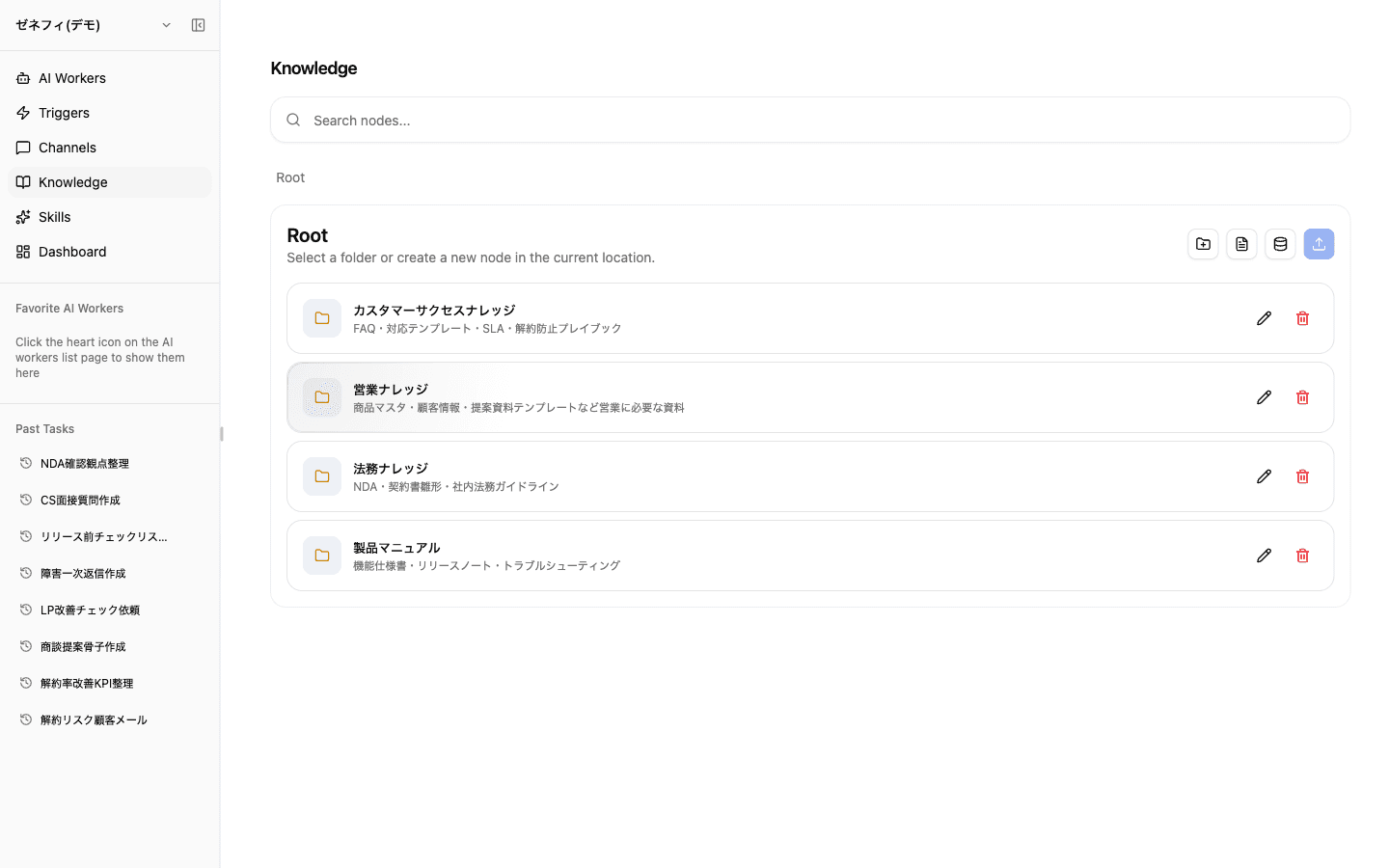
Knowledge is where teams organize the information AI workers use for answers and decisions. Choose among folders, pages, databases, JSON, files, and URLs. Assign users view, append, comment, edit, or manage roles, and set each AI worker to access the entire workspace, selected Knowledge only, or no Knowledge.
Overview
Current Knowledge operations: user and AI-worker access controls, six node types including URLs, search, and structured databases.
Basics
Manage user and AI-worker access separately
Knowledge lives in the team workspace, but every user and worker does not need access to the same content.
- User sharing: use the sharing dialog to grant view, append-only, comment, edit, or manage access. Permissions on a folder are inherited by its descendants.
- AI-worker scope: on the worker's Knowledge tab, choose Entire workspace, Selected only, or No access. Selected only lets you grant individual folders or nodes.
- Share links: issue links with optional sign-in requirements and expiration dates, and revoke them when they are no longer needed.
The worker settings and Knowledge sharing dialog use the same permission data, so changes from either surface stay in sync. The default worker is the exception: it always has workspace-wide access and cannot be changed.
Six node types, including URLs
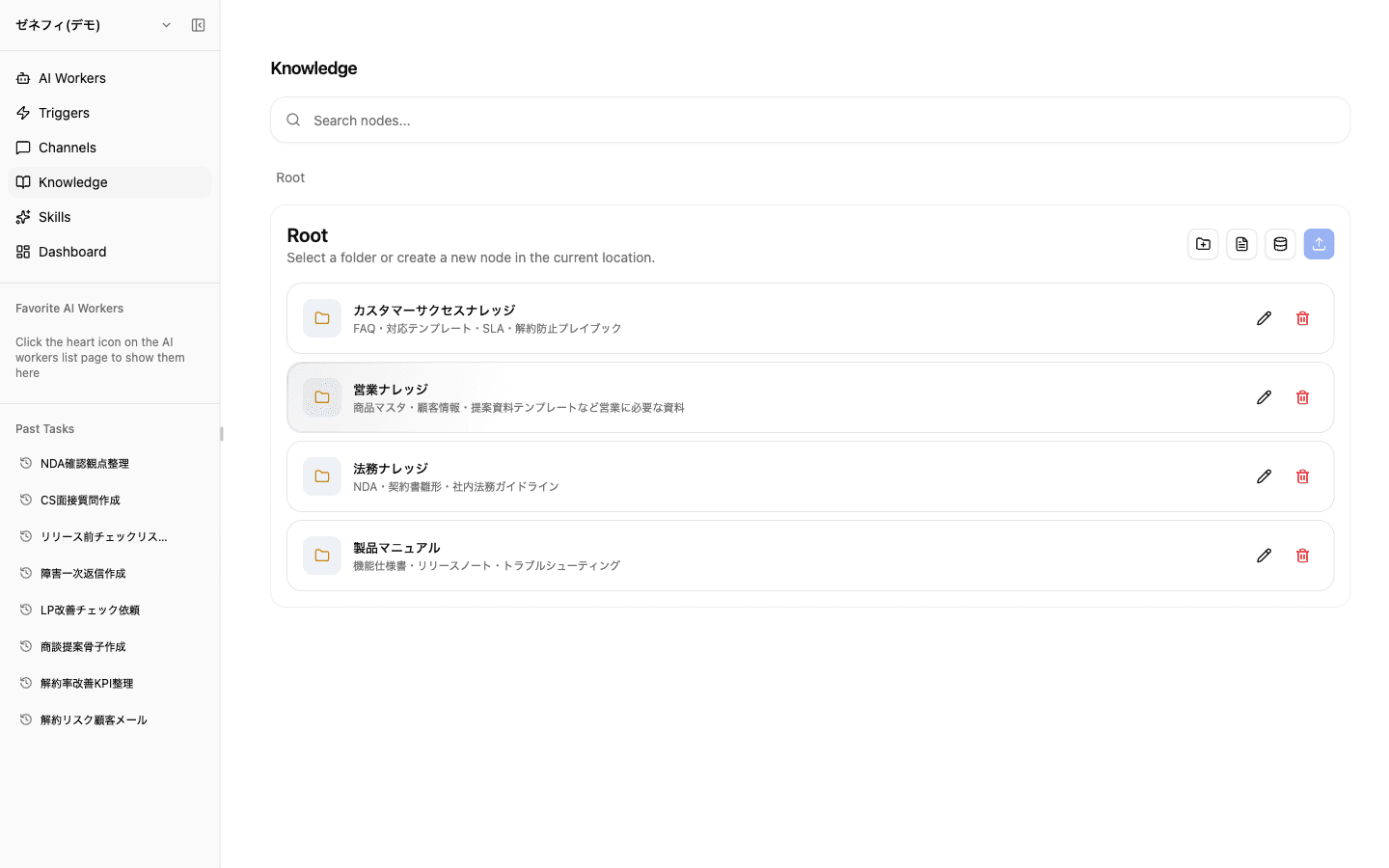
Choose among six Knowledge node types based on the source and how you plan to use it:
- Folder — group nodes by team, process, or project
- Text page — edit procedures and FAQs with Markdown, images, files, and Mermaid diagrams
- Database — manage structured rows and columns
- JSON — store structured configuration or master data directly
- File — upload PDFs, images, spreadsheets, and other source material
- URL — save a web page directly and make its content available to AI workers
URL Knowledge is useful when you want to organize an external source alongside existing material without copying its text or converting it into a file.
Database Knowledge with nine field types
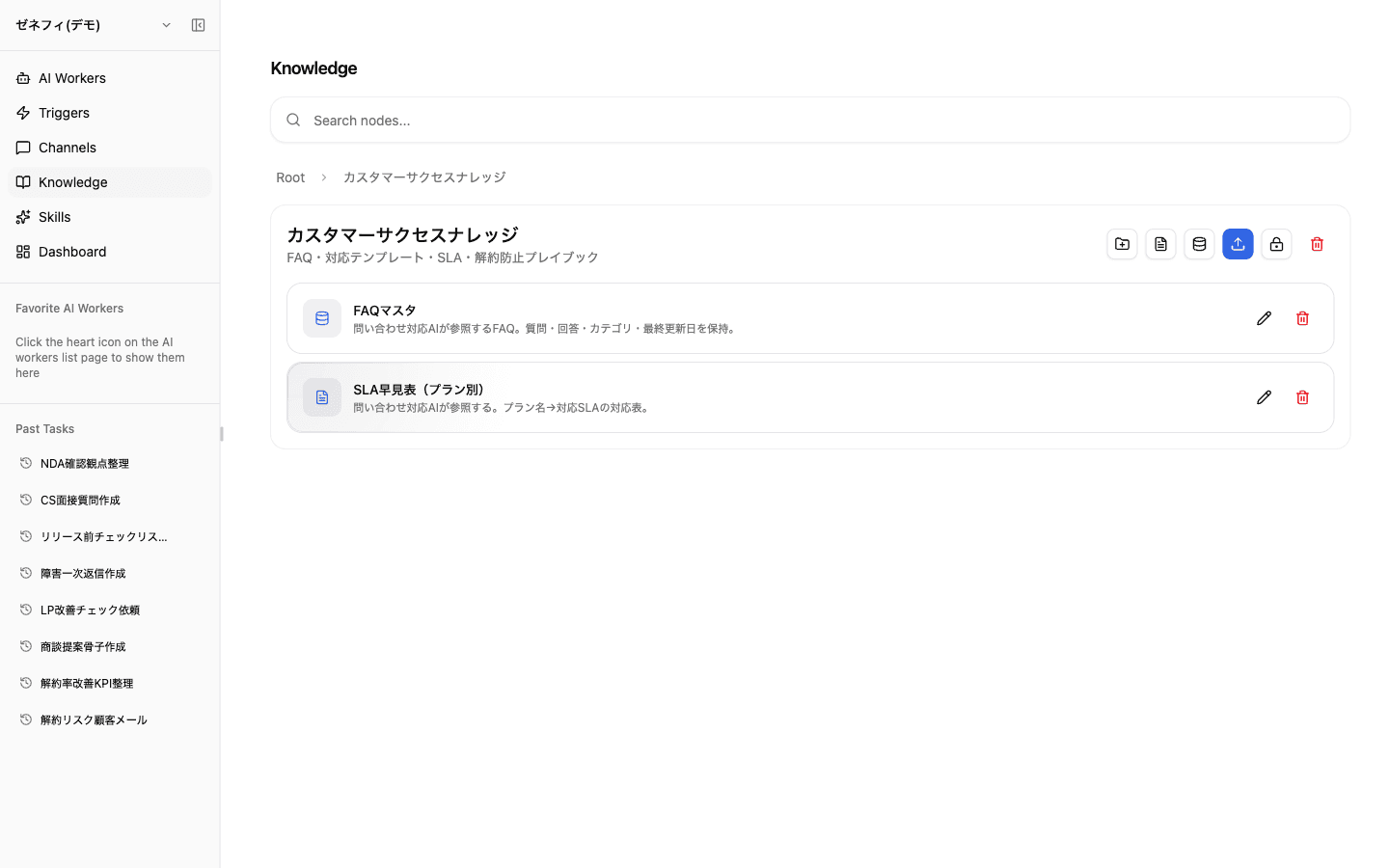
Use a database for customer lists, product masters, inquiry histories, FAQ catalogs, and other information that needs row-level inserts and lookups. Choose from nine field types: short text, long text, number, checkbox, date, single select, multiple select, URL, and email. Rename fields, change types, edit select options, or delete columns from the column header, then click cells to edit values.
Details worth knowing:
- Created time and creator system fields are added automatically and are read-only
- Single- and multiple-select fields support configurable options and colors
- Within its granted scope, an AI worker can retrieve, search, and update rows through
knowledge-manager - Before delegating schema or row changes, check both the worker's Knowledge permissions and its pre-execution approval rules
Search and AI-worker access
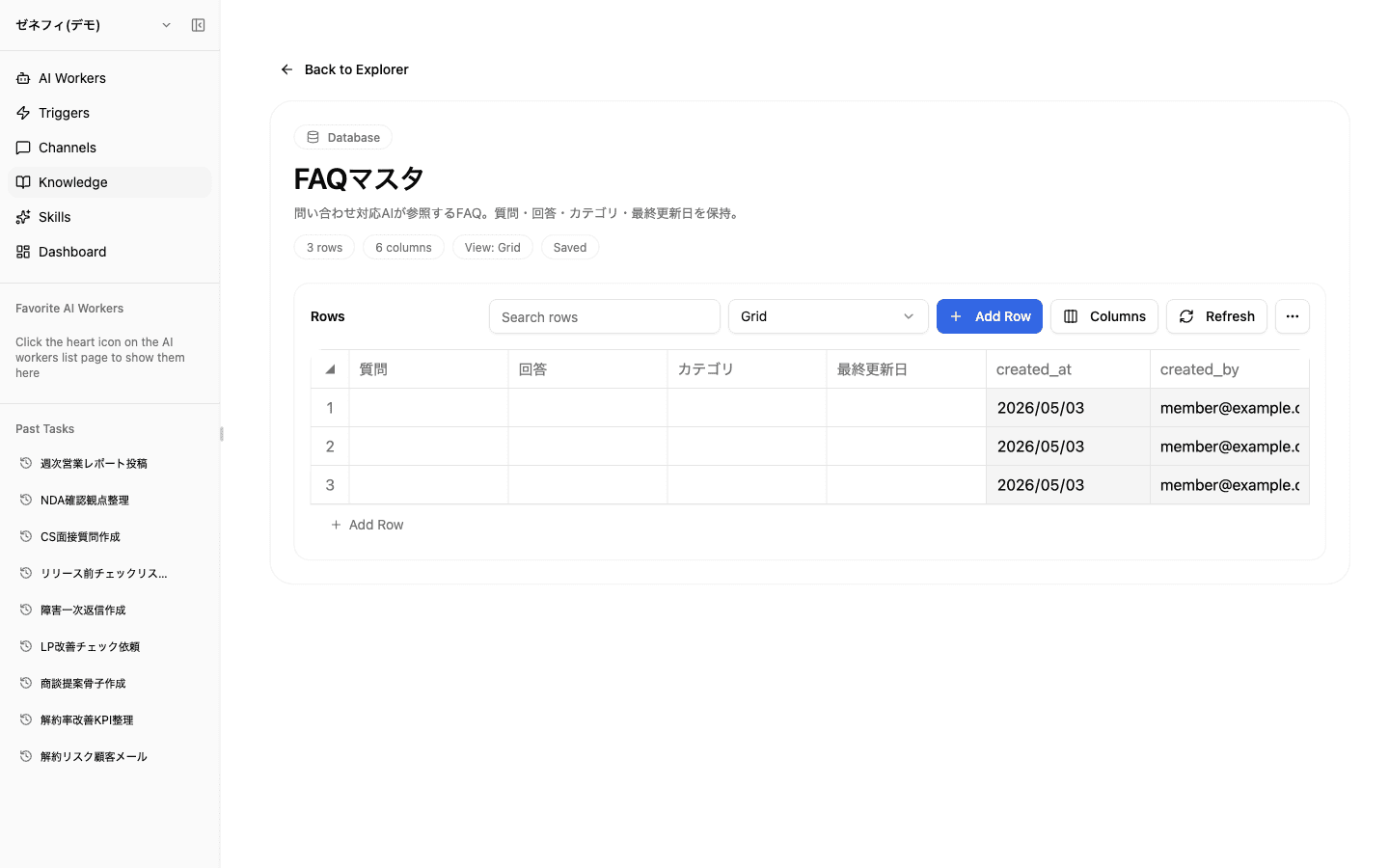
The Knowledge search in the sidebar combines names, content, descriptions, and semantic similarity, separating direct matches from related results. Each result shows its containing folder, creator, and last-updated time so similarly named sources are easier to distinguish.
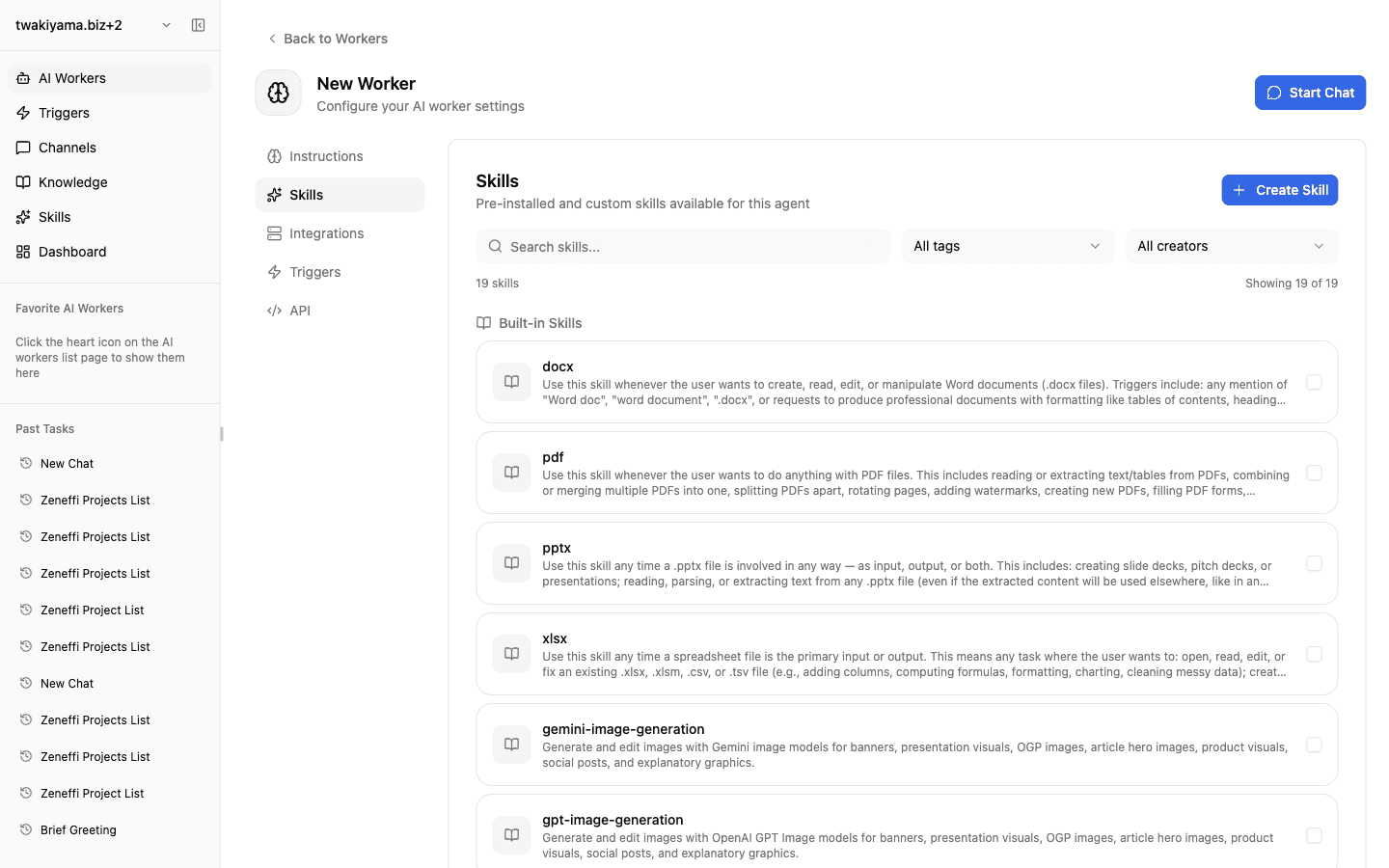
For AI-worker access, check the scope on the worker's Knowledge tab and enable the required Knowledge skill, such as knowledge-manager. When Selected only is active, also confirm that the target folder or node has been granted.
If a worker does not use Knowledge, check in this order: (1) access mode, (2) individual node grants, (3) Knowledge skill, and (4) whether the instructions explain when to consult it.
Checklist
Do user sharing roles and AI-worker access scopes match the sensitivity of the information?
Are pages, databases, files, and URLs used appropriately, and can you verify folder, creator, and update time in search results?
For workers expected to use Knowledge, have you checked both the access scope and the required Knowledge skill?