Back to release notes
v1.2.442026.10
Pick an image for each AI Worker, plus usage hints in chat
v1.2.44 lets you set how each AI Worker looks, so Workers for different roles are easy to tell apart. The chat input also shows hints about @mentions, "/" commands, and more, so useful features are easier to discover.
Screenshots
Changes
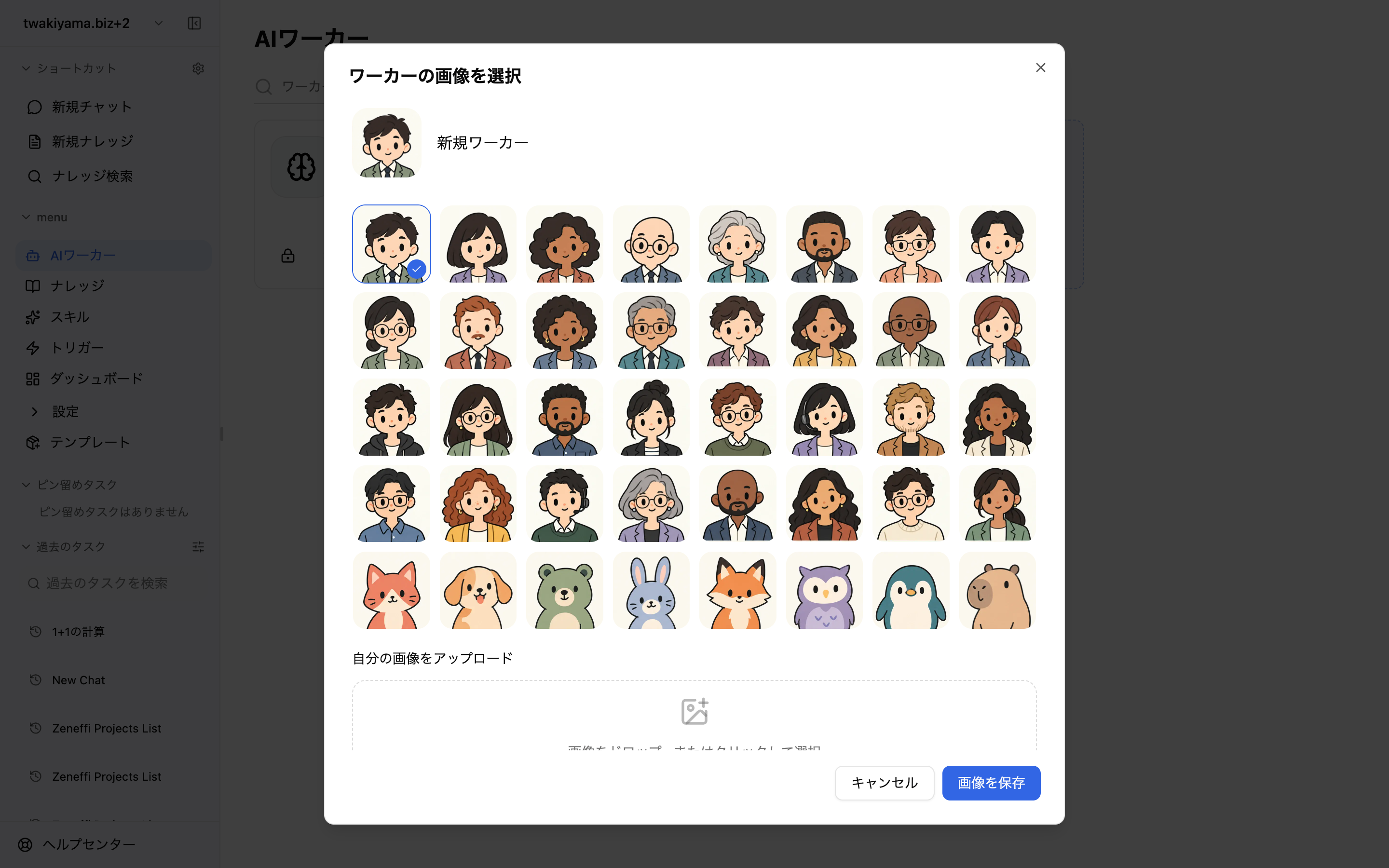
When creating a Worker or from "Change image" in its settings, choose one of 40 built-in characters (32 people, 8 pets) or upload your own image (JPG / PNG / WebP / GIF, up to 5MB). Existing Workers keep their current image or icon until you change it.
The chat input shows rotating hints such as @mentions for sub-agents and Knowledge, "/" commands for skills, and "/plan" or "/goal". Hints adapt to the selected Worker or skill and are available in Japanese and English.