Back to release notes
v1.2.422026.10
Text styling from the selection menu in Knowledge
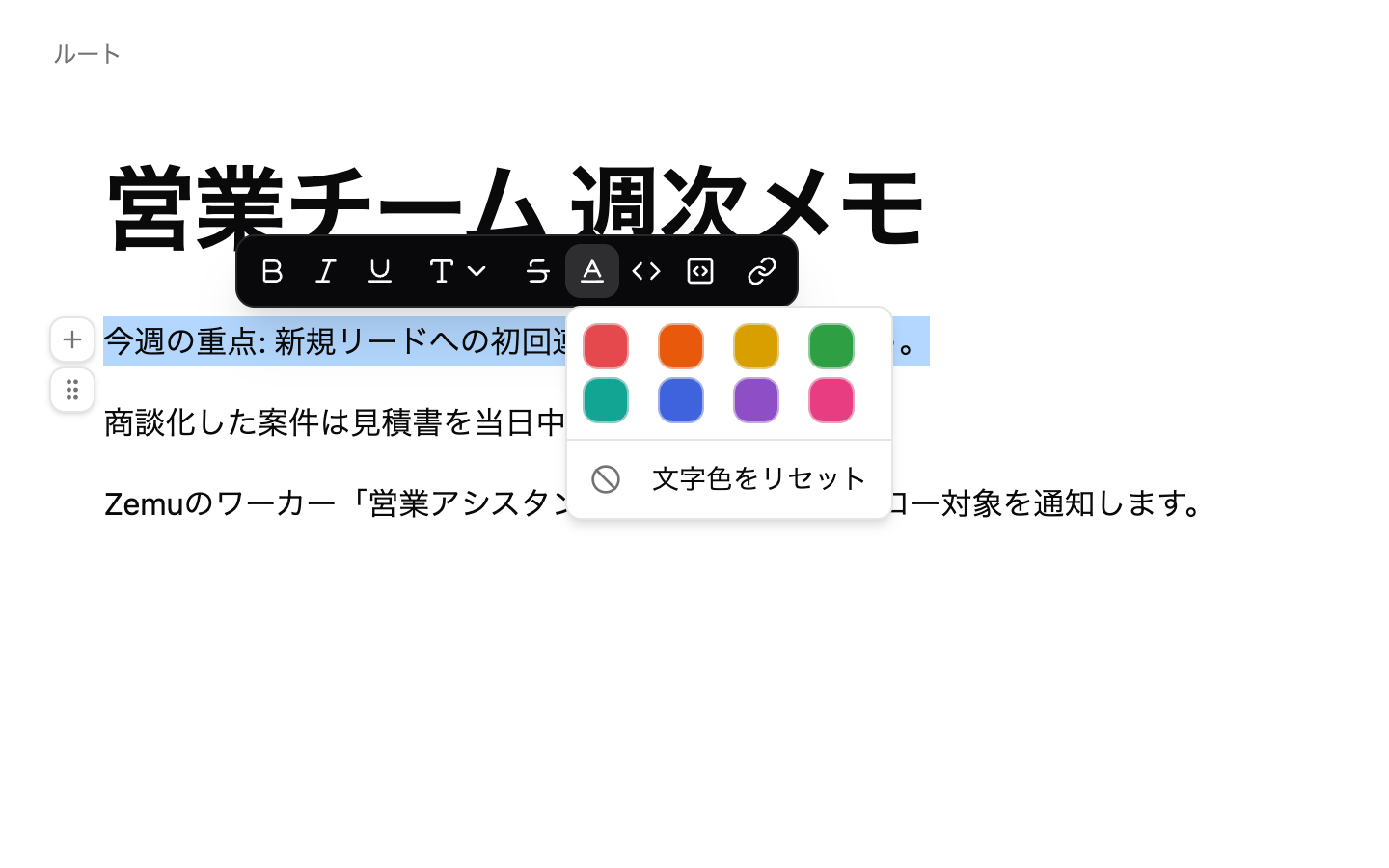
v1.2.42 lets you style text in Knowledge without going up to the toolbar. The selection menu offers 8 text colors with reset, and lets you switch a selection to or from a code block.
Screenshots
Changes
The menu shown when you select text offers 8 text colors with reset, and a toggle to switch to or from a code block. The active button shows with a white background so the current state is clear in both light and dark themes.
If you select everything and turn it into a code block, pressing the button again restores the original formatting.