Back to release notes
v1.1.642026.07
Automatic conversation compaction
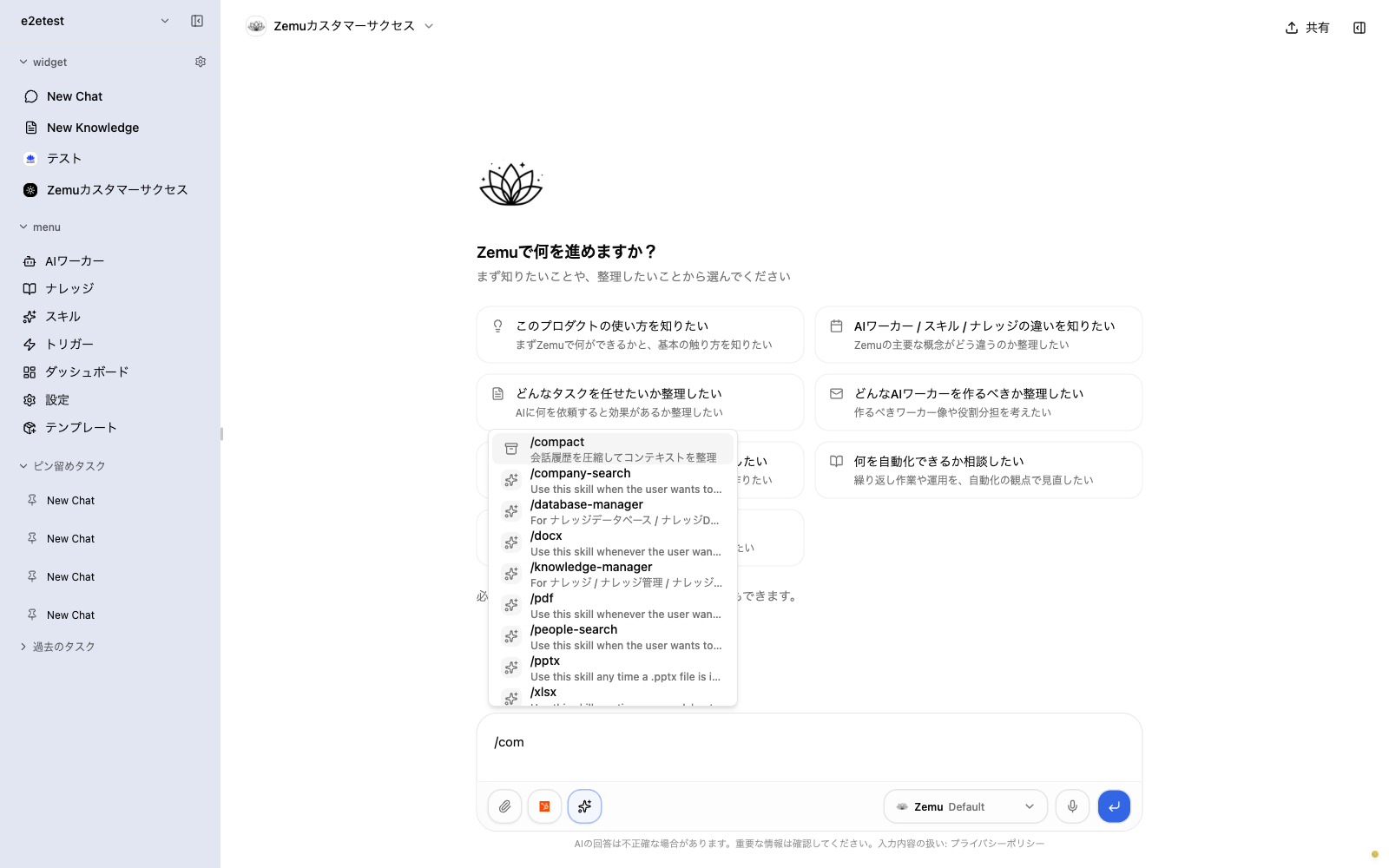
v1.1.64 improves how conversation history is managed. As a conversation grows, AI automatically summarizes its contents so you can keep a long conversation going comfortably while important information is preserved. With the /compact slash command, you can manually tidy up the conversation history at any time. In addition, uploading large files to knowledge is now more stable, and you can check upload progress in a list.
Screenshots
Changes
As a conversation grows, AI automatically summarizes its contents. Important information is preserved, so long conversations stay comfortable.
Just type the /compact slash command to manually tidy up the current conversation history at any time.
Uploading large files to knowledge is now more stable, and you can check upload progress in a list.