
AI worker for order entry
Stop typing purchase orders by hand.
AI reads purchase orders arriving by fax or email and turns them into spreadsheet-ready data (CSV/JSON) for Excel or your ERP. It asks your staff to check only the fields it is unsure about — the work shifts from typing to reviewing.
Try the purchase-order template right after signing up.
- No master data, no setup project
- Uncertain reads are never auto-confirmed
- Pay-as-you-go from 2,500 JPY
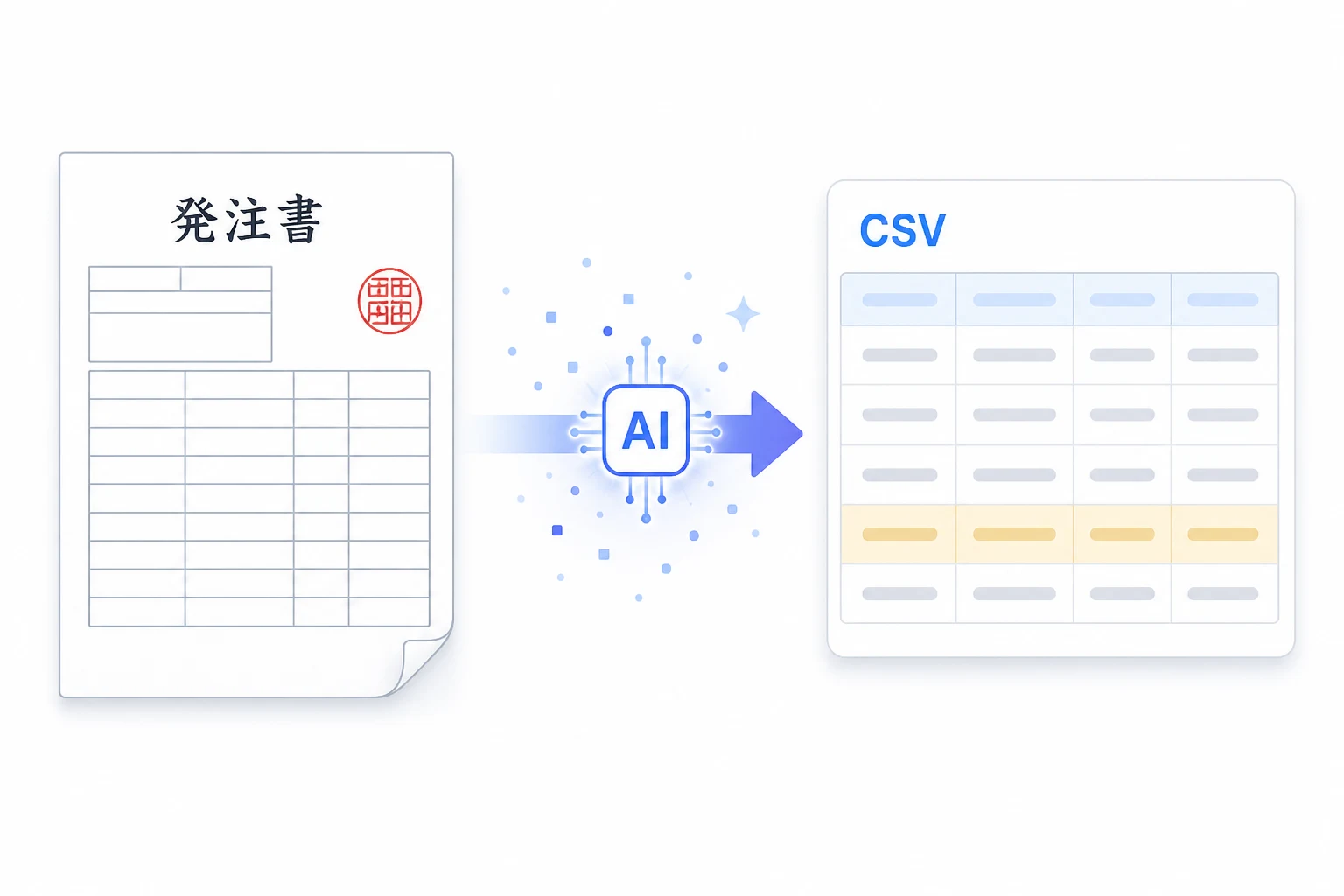
Setup takes 3 steps.
No onboarding project, no master data required. Just follow the chat guidance and start the same day.
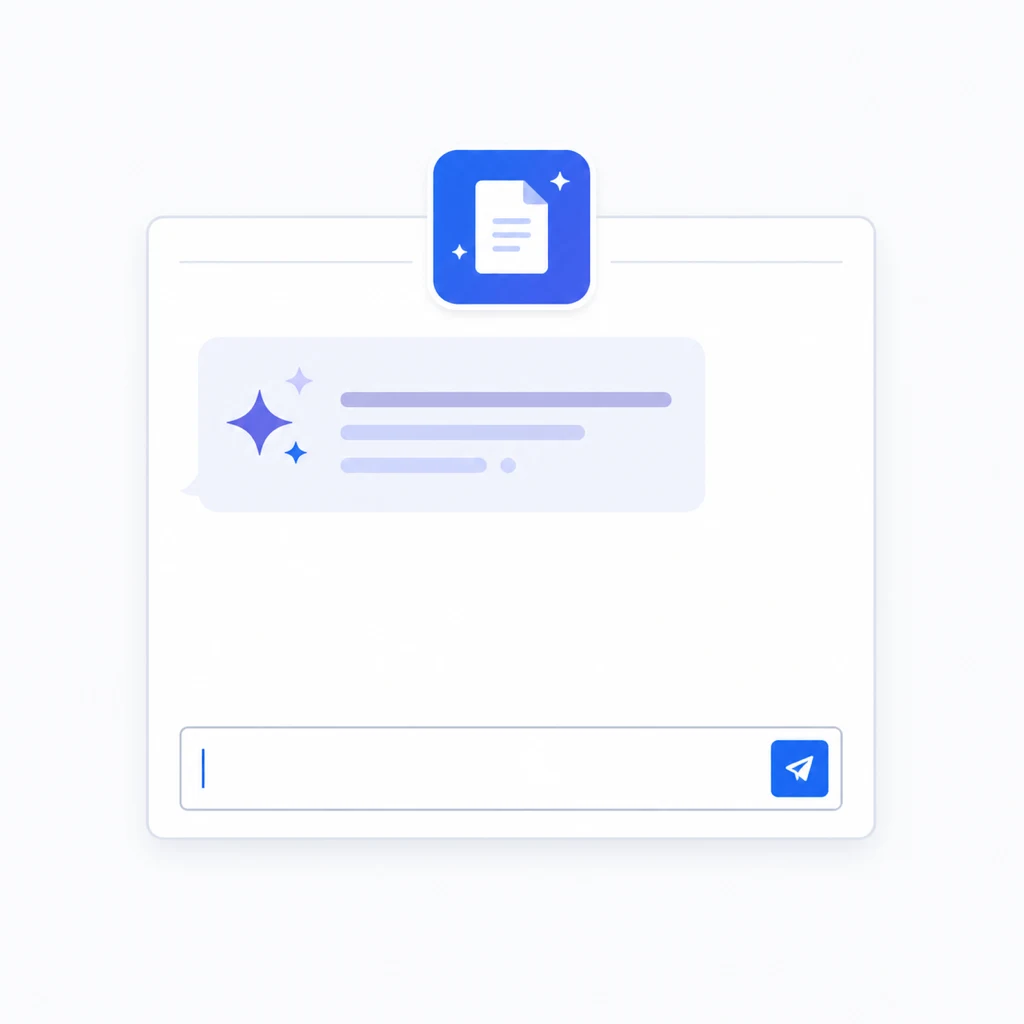
Step 1
Sign up free
When registration finishes, a chat with the purchase-order AI worker opens automatically. There is no initial setup screen and no master-data registration.
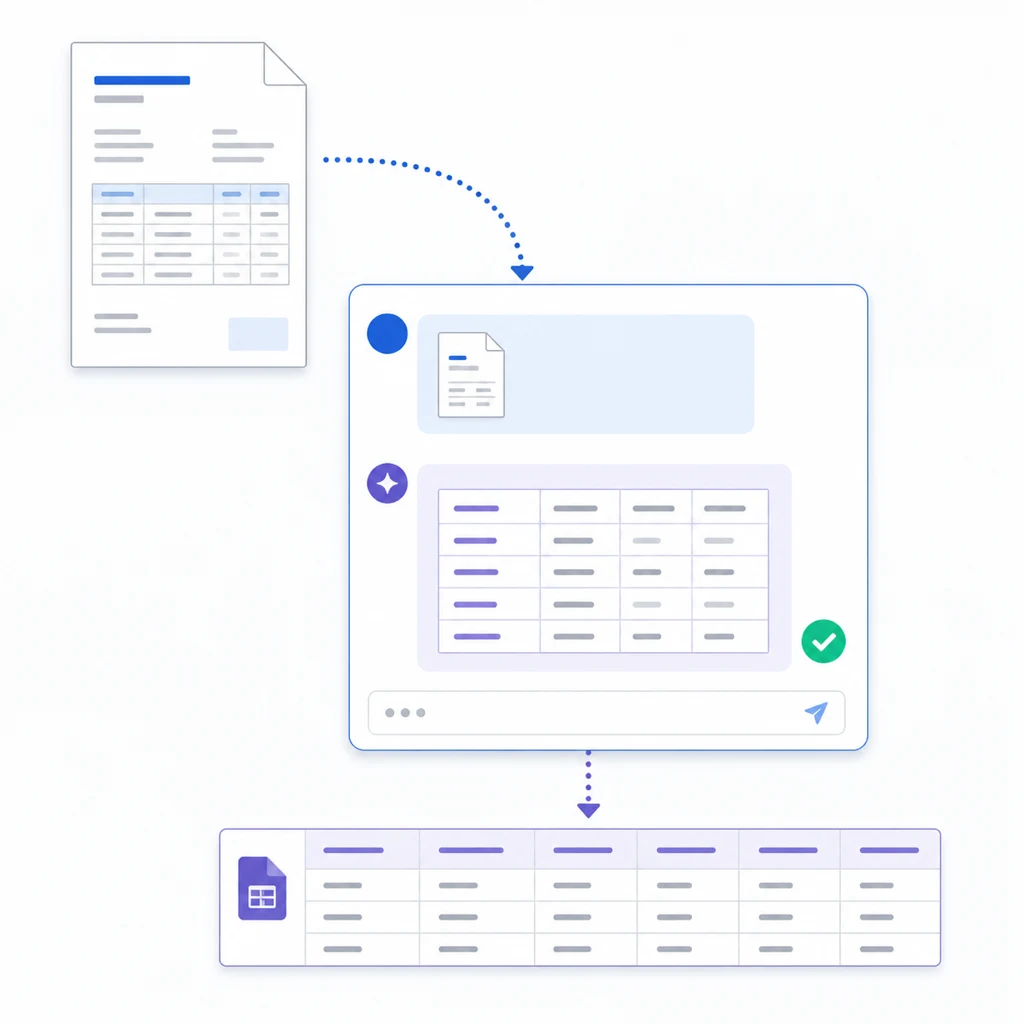
Step 2
Attach one purchase order to the chat
PDF, scan, or phone photo — the AI reads item codes, quantities, unit prices, and due dates, checks the arithmetic, and returns an import-ready CSV. Unclear fields are flagged for review.
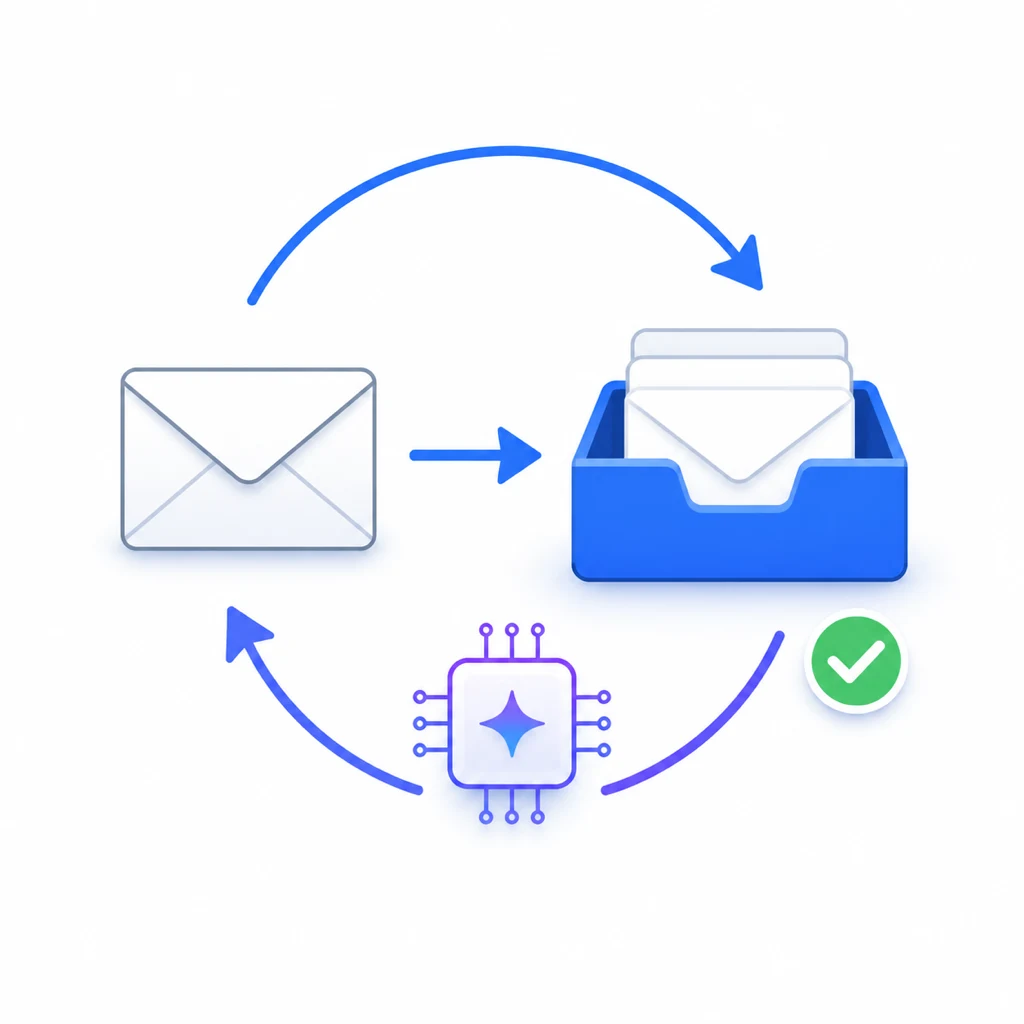
Step 3
Send "automate this" in the chat
The AI prepares a dedicated forwarding address and walks you through the forwarding setup in Gmail, Outlook, or whatever you use. From then on, every arriving document becomes CSV automatically.
Besides mail forwarding, you can also attach documents directly in chat to try it on the spot.
About 30 JPY per page. Start from 2,500 JPY.
No monthly fixed fee, no annual contract. You only consume Zemu's standard credits as you go, and credits start at a 2,500 JPY purchase.
About 30 JPY/page is the design guideline for a standard case covering reading, structuring, and CSV/JSON output in one pass. Actual cost varies with document condition.
See detailed pricingTypical cost per page
~30 JPY
Minimum first purchase
2,500 JPY
| Item | Typical AI-OCR | Zemu |
|---|---|---|
| Initial cost | 0–200,000 JPY | 0 JPY |
| Monthly fixed fee | Mostly from 30,000 JPY | 0 JPY |
| Contract term | Mostly annual | No lock-in |
| Cost at 100 pages/mo | Full fixed fee applies | ≈ 3,000 JPY |
"Typical AI-OCR" reflects published pricing plans of major services (as of September 2026, our research).
- Extraction, arithmetic checks, review flags
- Import-ready CSV/JSON output
- No monthly fee, no annual contract
- External integrations set up separately
Start with a free trial.
Sign up and try with a single purchase order you have right now. If it does not fit, simply stop.